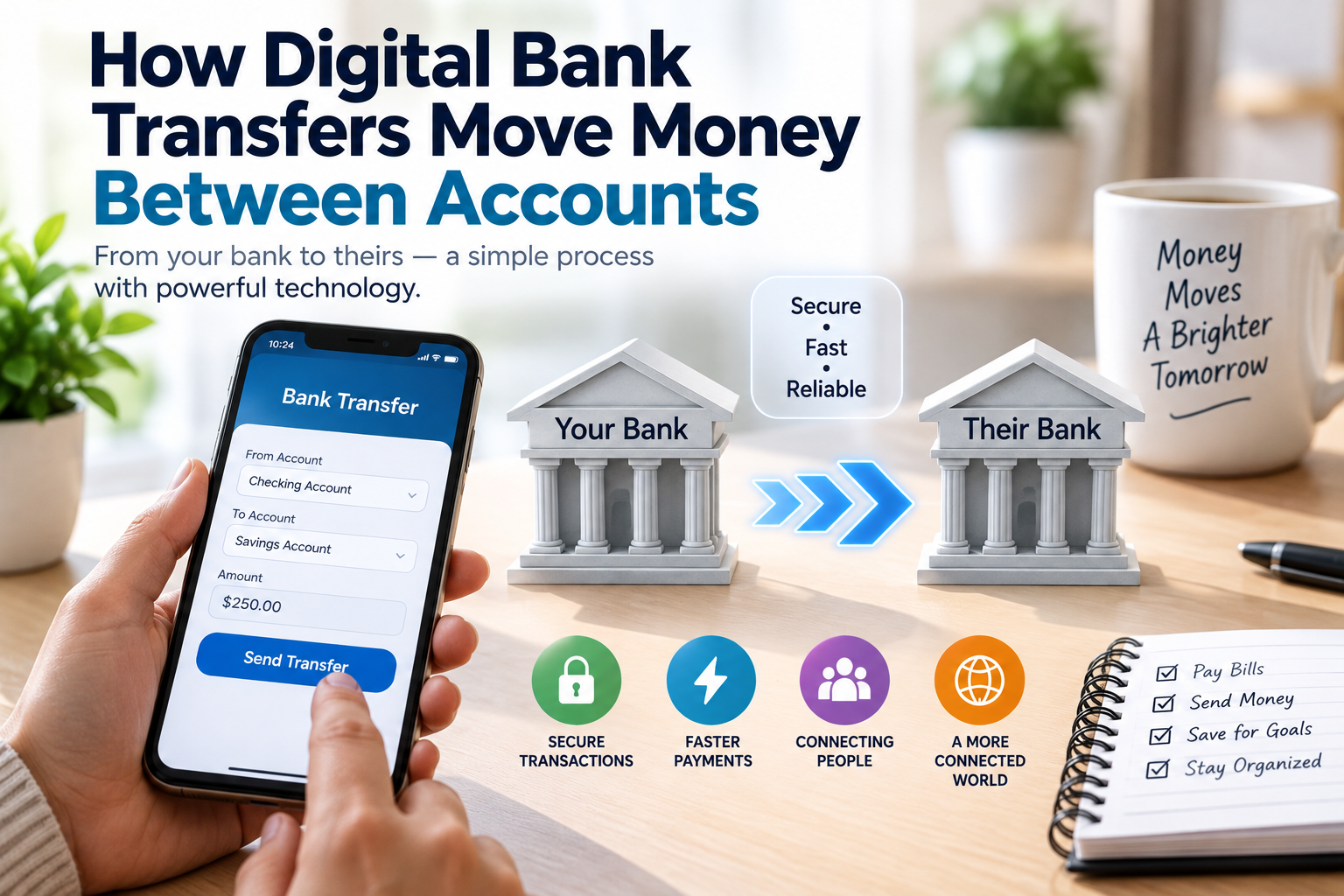
How Digital Bank Transfers Move Money Between Accounts
Digital bank transfers have become one of the most common ways people move money. A customer can send funds from a checking account to a savings account, pay another person, transfer money between banks, or move funds to a business account without handling physical cash.
Although a transfer can appear almost instantaneous from a customer’s perspective, several systems may work together behind the scenes to complete it. Banks, payment networks, account databases, security systems, and sometimes intermediary institutions all play roles in moving and recording the money.
Understanding how digital bank transfers work can make everyday banking easier to understand and help customers recognize why some transfers are immediate while others take longer.
What Is a Digital Bank Transfer?
A digital bank transfer is an electronic movement of money from one account to another without physically transferring cash.
The accounts can belong to:
- The same person
- Different people
- The same bank
- Different banks
- Individuals and businesses
- Customers and government agencies
- Businesses and suppliers
A transfer may be initiated through online banking, a mobile banking application, an ATM, a bank branch, or another authorized payment service.
The exact process depends on the type of transfer, the institutions involved, and the payment network used.
For a broader understanding of the accounts involved, the Complete Guide to Bank Accounts and Account Types explains how different bank accounts are structured and what they are generally designed to do.
What Happens When You Initiate a Transfer?
Suppose a customer wants to send money from their bank account to another account.
The process generally begins when the customer enters information such as:
- Recipient name
- Recipient account information
- Amount
- Transfer type
- Payment reference
- Additional security information when required
The bank then checks the request before processing it.
Depending on the transfer, the bank may verify that:
- The customer is authorized to access the account.
- The account has sufficient available funds.
- The recipient information is properly formatted.
- The transaction meets applicable limits and security requirements.
- There are no issues requiring the transaction to be stopped or reviewed.
Once the transfer is approved, the appropriate payment system handles the movement and settlement of the transaction.
The Difference Between Moving Money and Updating Account Balances
One useful distinction is between the movement of funds through a payment system and the updating of account records.
When a customer sees money leave one account and appear in another, the banks are updating their records to reflect the transaction.
For example:
Sender’s account
$500 → $400
Recipient’s account
$200 → $300
The numbers in the accounts change, while the payment infrastructure ensures that the transaction is communicated, processed, and settled between the relevant institutions.
This is why digital money transfers do not require a physical bundle of cash to travel from one bank to another.
Transfers Within the Same Bank
Transfers between two accounts at the same bank are often relatively straightforward.
For example, a customer might transfer money from a checking account to a savings account held at the same institution.
The bank already maintains records for both accounts. The transaction can therefore be reflected internally without necessarily requiring another bank to participate.
A simplified process might look like:
Customer requests transfer → Bank verifies request → Sender account is debited → Recipient account is credited → Transaction is recorded
This can make internal transfers particularly convenient.
Transfers Between Different Banks
Moving money between different banks can involve additional infrastructure.
Suppose a customer at Bank A sends money to someone whose account is held at Bank B.
The customer’s bank must communicate the payment instruction through an appropriate payment network or clearing mechanism. The receiving bank then processes the incoming payment and credits the recipient’s account.
A simplified flow is:
Sender → Sender’s bank → Payment network or clearing system → Recipient’s bank → Recipient
The exact architecture varies by country and payment method.
The transfer may therefore involve several stages before the recipient sees the funds as available.
What Are Payment Networks?
Payment networks provide infrastructure that allows financial institutions to exchange payment information and settle transactions.
Different networks can support different types of payments.
Examples of payment systems include infrastructure designed for:
- Bank transfers
- Card payments
- Direct deposits
- Recurring payments
- Real-time payments
- Large-value transactions
- International transfers
Each system can have its own operating rules, processing schedules, settlement arrangements, and transaction limits.
For a deeper explanation, How Payment Systems Work and How Money Moves Between Accounts explores the infrastructure behind the movement of money.
Clearing and Settlement
Two concepts often appear when discussing financial transfers: clearing and settlement.
Clearing generally involves exchanging and processing payment information so that institutions can determine what they owe one another.
Settlement is the process through which the financial obligations between participating institutions are ultimately completed.
These stages do not always happen in exactly the same way or at the same time.
Some modern payment systems can process and settle transactions very quickly, while other systems operate according to scheduled processing cycles.
This difference helps explain why one digital transfer may arrive almost immediately while another takes longer.
Why Some Transfers Are Instant
Some payment systems are designed to process transactions in near real time.
When a transfer uses such a system, the payment instruction can be processed quickly and the receiving account may become available to the recipient shortly afterward.
However, “instant” does not necessarily mean every part of the transaction occurs simultaneously.
There can still be:
- Authentication
- Fraud screening
- Account checks
- Payment authorization
- Clearing
- Settlement
- Account posting
The combination of modern technology and specialized payment infrastructure allows these processes to happen rapidly.
Why Some Transfers Take Longer
A transfer can take longer for several reasons.
For example:
- The payment system may operate on scheduled processing cycles.
- The transfer may be initiated outside processing hours.
- A weekend or holiday may affect processing.
- The banks may use different payment systems.
- Additional security checks may be required.
- The transfer may involve international institutions.
- The transaction may exceed certain thresholds.
- Incorrect recipient information may require investigation.
The displayed transfer status can also differ from the actual settlement status. A bank may show a transaction as pending while the payment is still being processed by another part of the system.
How Mobile and Online Banking Fit Into the Process
Mobile and online banking applications provide the customer-facing interface for initiating transfers.
The app itself does not necessarily “move” money independently. Instead, it provides a secure way for customers to communicate instructions to their bank.
A simplified digital banking process looks like:
Customer → Banking app → Bank systems → Payment infrastructure → Receiving bank → Recipient
The application may handle authentication, display account information, collect transfer instructions, and communicate those instructions to the bank’s backend systems.
For more background, How Digital Banking and Online Banking Work explains the technology and services that allow customers to manage financial activities digitally.
How Banks Verify a Transfer
Banks need to make sure that transfer requests are legitimate.
Verification can involve multiple security measures, such as:
- Passwords
- PINs
- One-time codes
- Biometric authentication
- Device verification
- Transaction notifications
- Behavioral monitoring
- Account security checks
The precise combination depends on the institution, account, transaction, and local requirements.
Banks may also monitor transactions for unusual activity. A transfer that differs significantly from a customer’s normal behavior may trigger additional verification.
Fraud Detection and Transaction Monitoring
Digital transfers provide convenience, but financial institutions must also protect payment systems from unauthorized transactions and fraud.
Automated systems can evaluate transactions using various signals.
These may include:
- Transaction amount
- Frequency of transfers
- Account history
- Location or device information
- Recipient information
- Unusual patterns
- Previous transaction behavior
A transaction that appears unusual may be delayed or declined while additional checks take place.
This can occasionally be inconvenient for legitimate customers, but transaction monitoring is an important component of modern banking security.
What Happens If You Enter the Wrong Account Information?
Transfer errors can create significant problems.
If a customer enters incorrect recipient information, the money may be sent to the wrong account or the transaction may fail.
For this reason, customers should carefully check:
- Recipient name
- Account number
- Bank information
- Transfer amount
- Payment reference
Before confirming a transfer, reviewing the details can prevent avoidable mistakes.
The ability to reverse a transaction also depends on the payment method, participating institutions, and circumstances. A transfer should therefore not be treated as automatically reversible after confirmation.
Scheduled and Recurring Transfers
Not every transfer is initiated manually.
Customers can often schedule payments for a future date or establish recurring transfers.
Examples include:
- Monthly rent payments
- Regular savings transfers
- Loan payments
- Subscription payments
- Transfers between personal accounts
- Payroll-related payments
A scheduled transaction is generally stored as an instruction that the bank or payment provider processes according to its specified conditions.
Customers should ensure that sufficient funds are available when scheduled payments are due.
Domestic Versus International Transfers
Domestic and international transfers can work differently.
A domestic transfer may involve banks operating within the same national payment infrastructure.
An international transfer can involve:
- Multiple financial institutions
- Correspondent banks
- Currency conversion
- International payment messaging
- Additional compliance checks
- Different settlement systems
As a result, international transfers may take longer and can involve additional costs.
The recipient may also receive an amount different from the sender’s original currency amount because of exchange rates and applicable fees.
How Currency Conversion Fits Into a Transfer
When money crosses currency systems, it may need to be converted.
For example, a sender could transfer money denominated in one currency while the recipient’s account is denominated in another.
A financial institution or payment provider may convert the funds using an applicable exchange rate.
The final amount can depend on:
- The exchange rate
- Conversion fees
- Transfer fees
- Intermediary charges
- The receiving institution’s policies
This is one reason international transfers can be more complicated than domestic transfers.
Do Digital Transfers Create New Money?
A digital transfer between two existing accounts does not necessarily mean new money has been created.
If one customer transfers $100 to another customer, the sender’s account decreases by $100 while the recipient’s account increases by $100.
The transfer changes who has access to the funds.
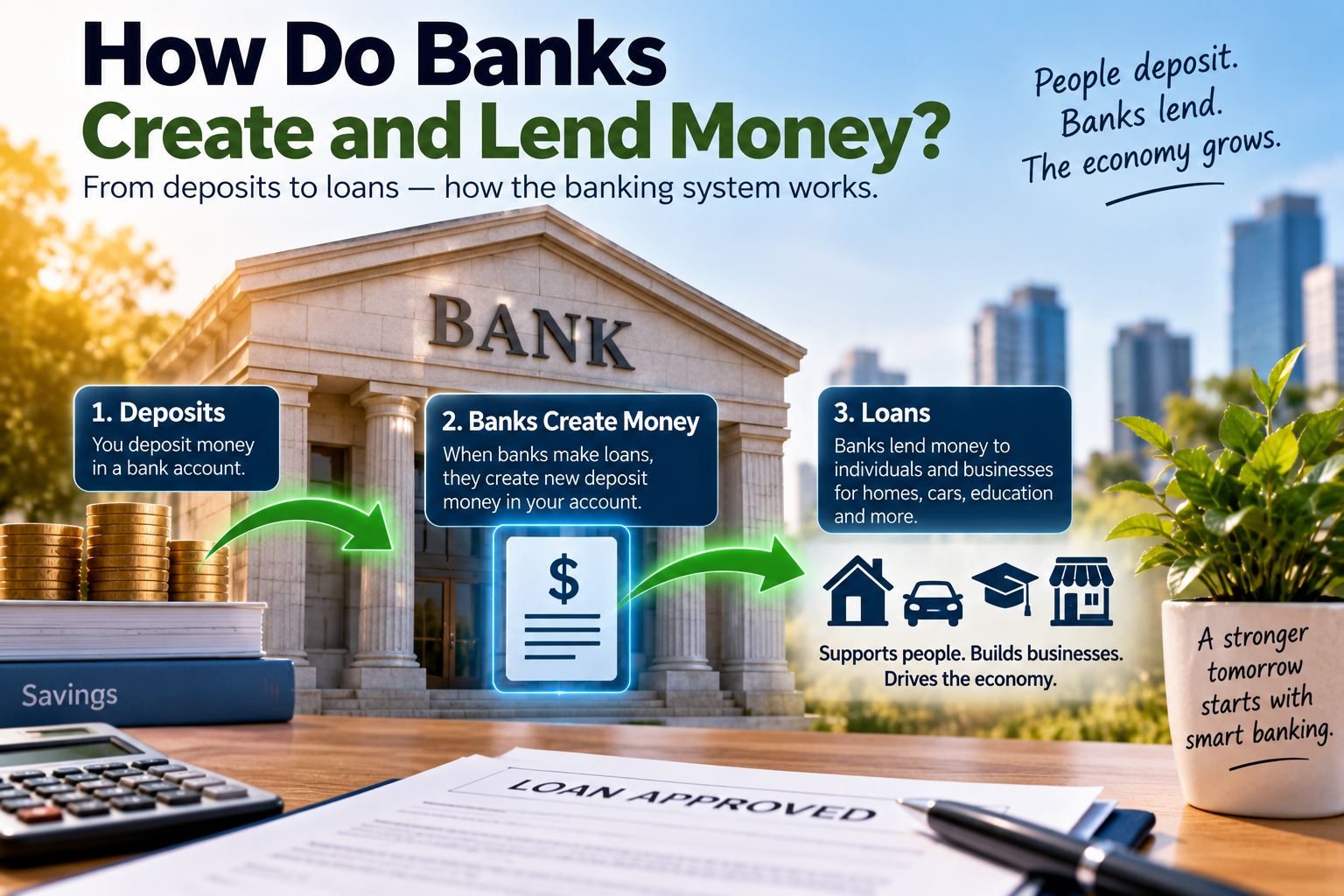
This is different from the broader processes through which commercial banks create deposits when making loans.
For a deeper look at that subject, How Do Banks Create and Lend Money? examines the relationship between bank lending, deposits, and the broader banking system.
How Transactions Are Recorded
Every completed transfer generates records within the relevant financial systems.
These records can include information such as:
- Transaction amount
- Date and time
- Sending account
- Receiving account
- Transaction reference
- Payment status
- Applicable fees
Customers typically see a simplified version through their banking app or statement.
Behind the scenes, financial institutions maintain detailed records that support reconciliation, reporting, security, and account management.
What Is a Pending Transfer?
A pending transfer generally means that the transaction has been initiated but has not yet reached its final completed status.
The exact meaning of “pending” varies between banks and payment systems.
A transaction might be pending because:
- Processing has not finished.
- The payment is waiting for settlement.
- Security checks are underway.
- The receiving institution has not completed processing.
- The transaction was initiated outside a normal processing window.
Customers should check their bank’s information if a transaction remains pending longer than expected.
What Happens When a Transfer Is Rejected?
A transfer may be rejected or declined for several reasons.
Potential causes can include:
- Insufficient available funds
- Incorrect account information
- Exceeding a transaction limit
- Security concerns
- Invalid payment instructions
- Account restrictions
- Problems with the receiving account
- Payment network issues
When a transaction fails, the bank may provide a status or explanation through its banking application or customer service channels.
Why Available Balance and Account Balance Can Differ
Customers may sometimes notice that their available balance differs from their total account balance.
This can happen because certain funds have been reserved, transactions are pending, or payments have not yet fully cleared.
For example, a customer might have a displayed balance of $1,000 while only $800 is currently available because $200 is committed to pending transactions.
Understanding this distinction can help prevent accidental overspending.
The Role of Bank Technology
Modern banking relies on interconnected software systems.
These systems may handle:
- Account management
- Transaction processing
- Customer authentication
- Fraud detection
- Payment routing
- Record keeping
- Notifications
- Reporting
- Reconciliation
Although customers generally see only a banking app or website, these interfaces connect to much larger technology environments.
The reliability of these systems is essential because financial transactions require accurate records and consistent communication between participating institutions.
How Digital Transfers Have Changed Banking
Digital transfers have significantly reduced the need for customers to visit bank branches for routine transactions.
People can now perform many activities through connected devices, including:
- Sending money
- Receiving payments
- Moving money between accounts
- Paying bills
- Checking balances
- Scheduling transfers
- Reviewing transaction histories
This has made banking more convenient while also increasing the importance of digital security and reliable payment infrastructure.
Tips for Making Digital Transfers Safely
Customers can reduce common transfer problems by adopting a few simple habits.
Verify Recipient Details
Check account information carefully before confirming a payment.
Use Secure Devices
Avoid conducting sensitive banking transactions on devices that may be compromised.
Protect Login Credentials
Do not share banking passwords, PINs, or authentication codes.
Review Transaction Notifications
Alerts can help customers identify unauthorized activity quickly.
Be Careful With Urgent Requests
Fraudsters may impersonate friends, family members, businesses, or financial institutions and pressure people into sending money immediately.
Keep Banking Software Updated
Updates can provide important security and functionality improvements.
Check Statements Regularly
Reviewing transaction histories can help identify unusual or unauthorized transfers.
Understanding the Journey of Digital Money
A digital bank transfer may take only a few seconds from a customer’s perspective, but it relies on a complex network of financial technology and institutional processes.
The customer initiates an instruction, the bank verifies it, payment infrastructure routes and processes the transaction, participating institutions settle their obligations, and account records are updated to reflect the result.
The exact path depends on whether the transfer occurs within one bank, between domestic banks, through a real-time payment system, or across international financial networks.
Understanding this process helps explain why digital transfers can be fast and convenient while still involving multiple layers of security, processing, and settlement. What appears to be a simple tap on a banking app is ultimately the visible part of a much larger system designed to record and move money accurately between accounts.